Apple iMovie Download - Edit Like a Pro
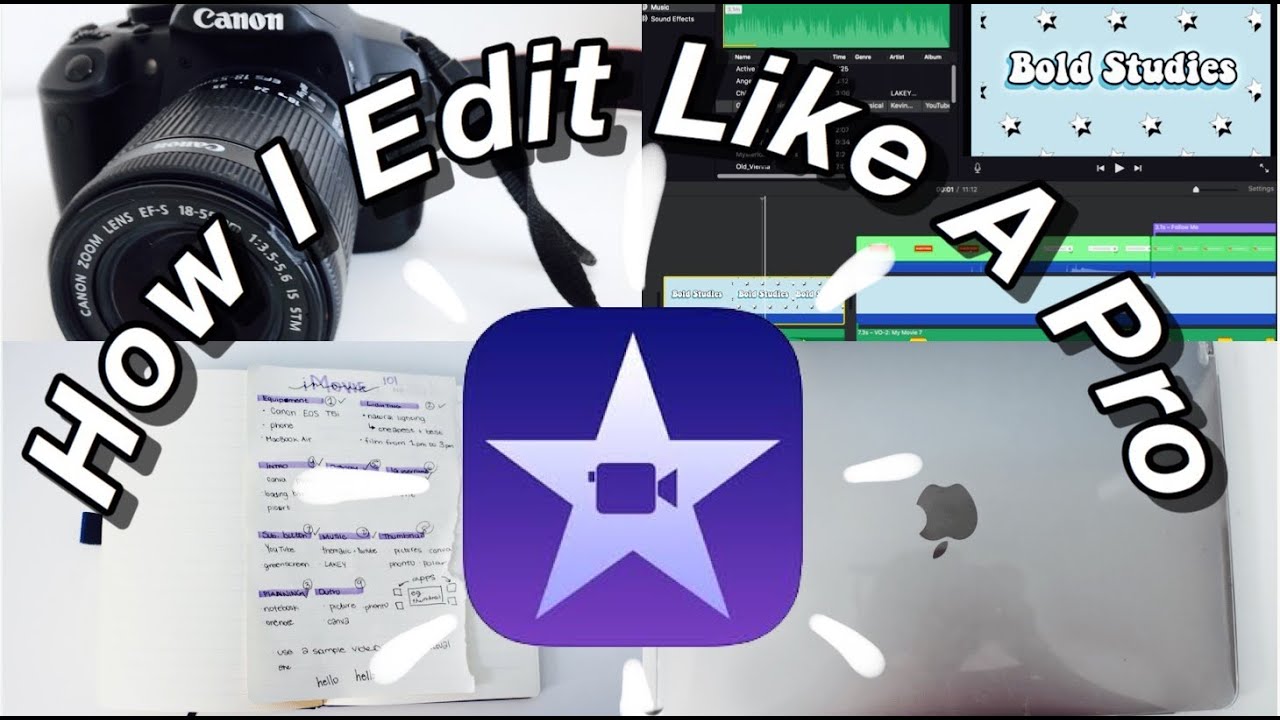
Are you looking to enhance your video editing skills and create professional-looking movies? Look no further! Apple iMovie is the perfect software for you. In this blog post, we will guide you on how to download Apple iMovie and provide you with valuable tips to edit like a pro. So, let's dive in and unlock the potential of this powerful video editing tool!
Why Choose Apple iMovie?
Apple iMovie is a feature-rich video editing software specifically designed for Mac and iOS users. Its user-friendly interface and intuitive controls make it accessible to both beginners and experienced editors. Whether you want to edit videos for personal use or professional projects, iMovie offers a wide range of tools and effects to enhance your footage and bring your vision to life.
How to Download Apple iMovie
Downloading Apple iMovie is a breeze, especially if you own a Mac or iOS device. Follow these simple steps to get started:
- Open the App Store on your Mac or iOS device.
- Search for "iMovie" in the search bar.
- Click on the iMovie app icon in the search results.
- Click the "Get" or "Download" button.
- Authenticate with your Apple ID and password if prompted.
- Wait for the download and installation process to complete.
- Once installed, you're ready to embark on your video editing journey!
Edit Like a Pro with Apple iMovie
Now that you have successfully downloaded Apple iMovie, let's explore some tips and tricks to help you edit like a pro:
1. Familiarize Yourself with the Interface
Before diving into editing, take some time to navigate through iMovie's interface. Get comfortable with the various buttons, menus, and features. Understanding the layout will save you time during the editing process.
2. Organize Your Media
Import your video clips, audio files, and images into iMovie's library. Create separate folders or events to keep your media organized. This will make it easier to locate specific files when you start editing.
3. Plan Your Story and Create a Storyboard
Every great movie starts with a well-thought-out story. Determine the narrative flow and structure of your video. Creating a storyboard or rough outline can help you visualize the sequence of scenes and transitions.
4. Trim and Split Clips
Use iMovie's trimming and splitting tools to remove unwanted sections from your clips or break them into smaller segments. This allows you to fine-tune the timing and pacing of your video.
5. Apply Transitions and Effects
Enhance the visual appeal of your video by adding transitions between clips. iMovie offers a variety of built-in transitions to choose from. Experiment with different effects like fade-ins, fade-outs, and dissolves to create seamless transitions.
6. Utilize Filters and Color Correction
iMovie provides a range of filters and color correction tools to enhance the overall look of your video. Experiment with different filters to achieve the desired mood and atmosphere. Adjust brightness, contrast, and saturation to improve the color balance and visual quality.
7. Add Titles and Text
Introduce your video with captivating titles and overlay text to provide context or highlight important information. iMovie offers various title templates and text customization options to make your text visually appealing.
8. Incorporate Background Music and Sound Effects
Set the right mood by adding background music or sound effects to your video. iMovie provides a library of royalty-free soundtracks and effects. You can also import your own audio files to create a unique auditory experience.
9. Use Audio Editing Tools
iMovie allows you to adjust audio levels, fade in or out, and remove background noise. Ensure your video's audio is clear and balanced by utilizing these powerful audio editing features.
10. Experiment with iMovie's Advanced Features
Once you've mastered the basics, delve into iMovie's advanced features. Explore features like green screen effects, picture-in-picture, speed adjustments, and more. These advanced tools can take your video editing to the next level.
Conclusion
Apple iMovie is an incredible video editing software that empowers both beginners and professionals to create stunning movies. By following the steps to download iMovie and implementing the tips provided, you'll be well on your way to editing like a pro. Unlock your creativity, unleash the potential of iMovie, and let your videos shine!


Comments
Post a Comment